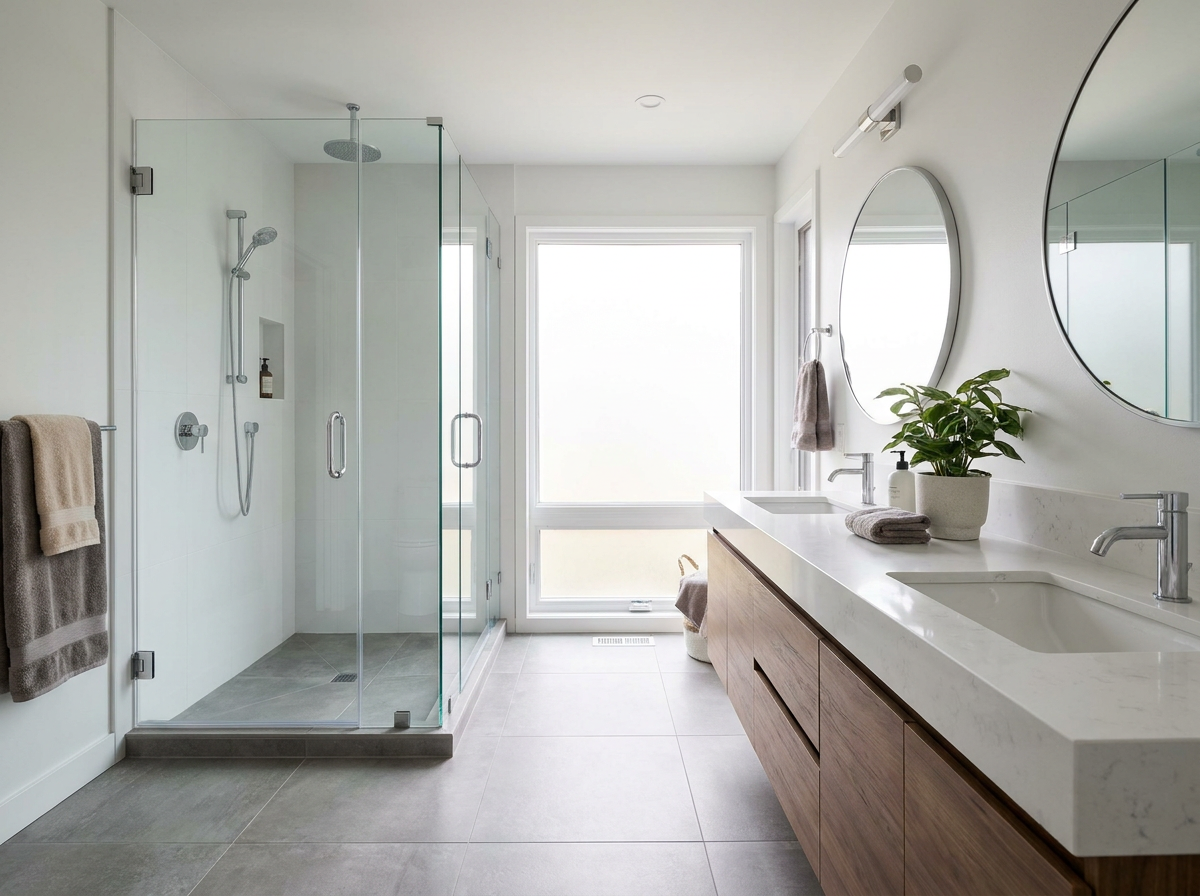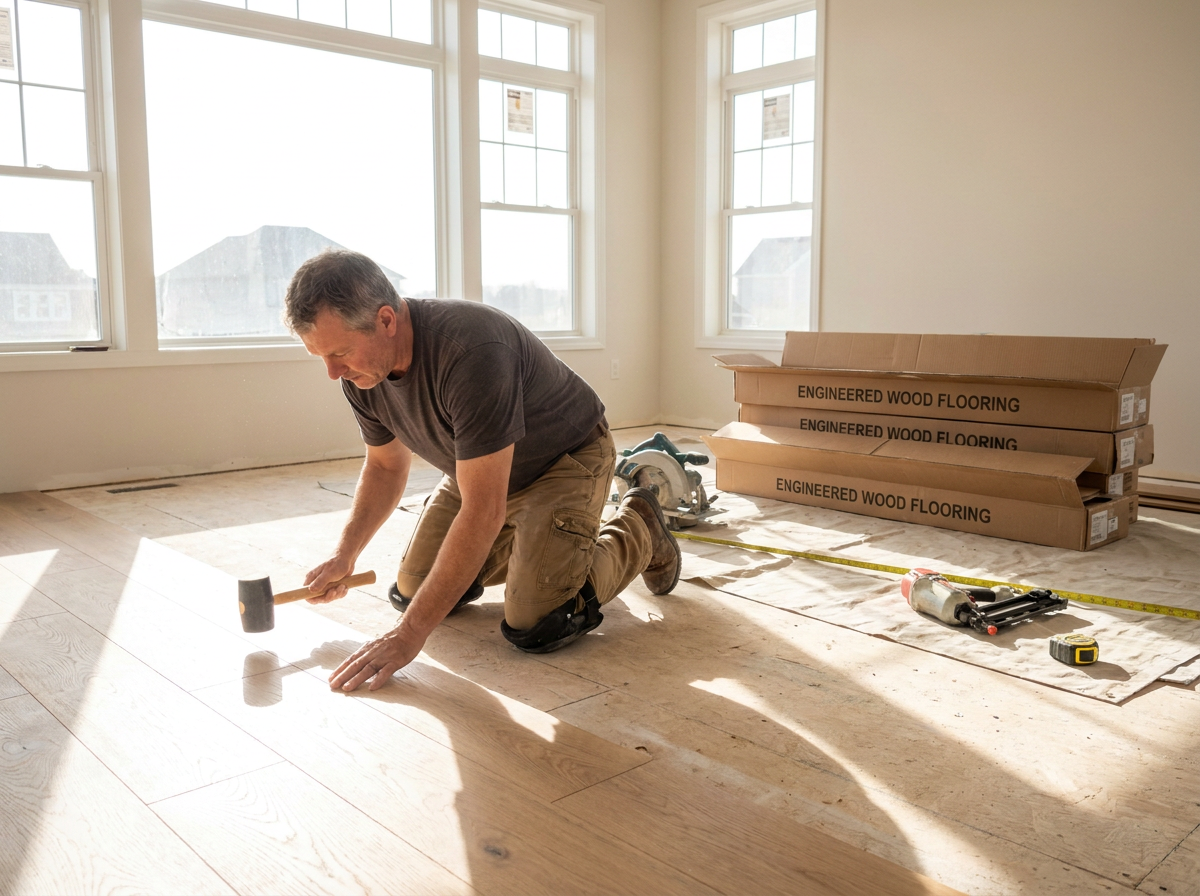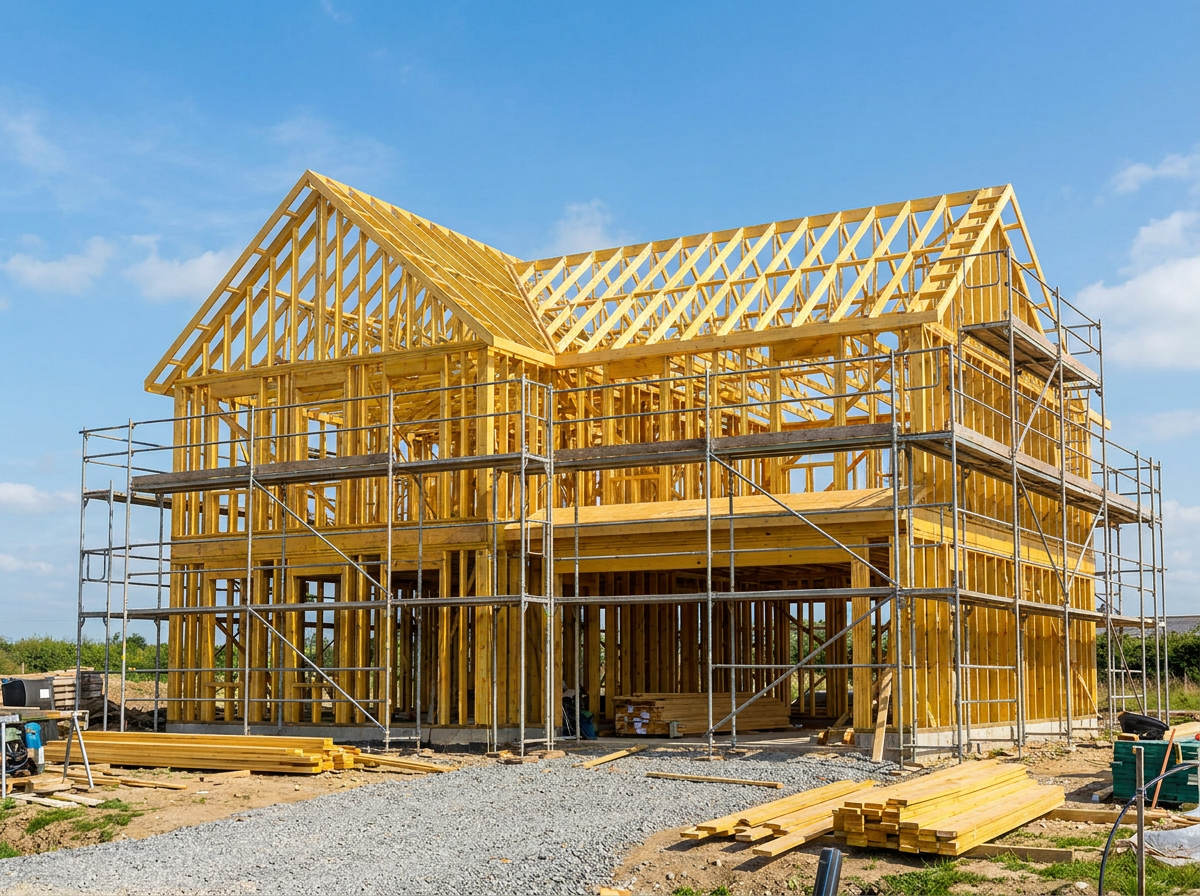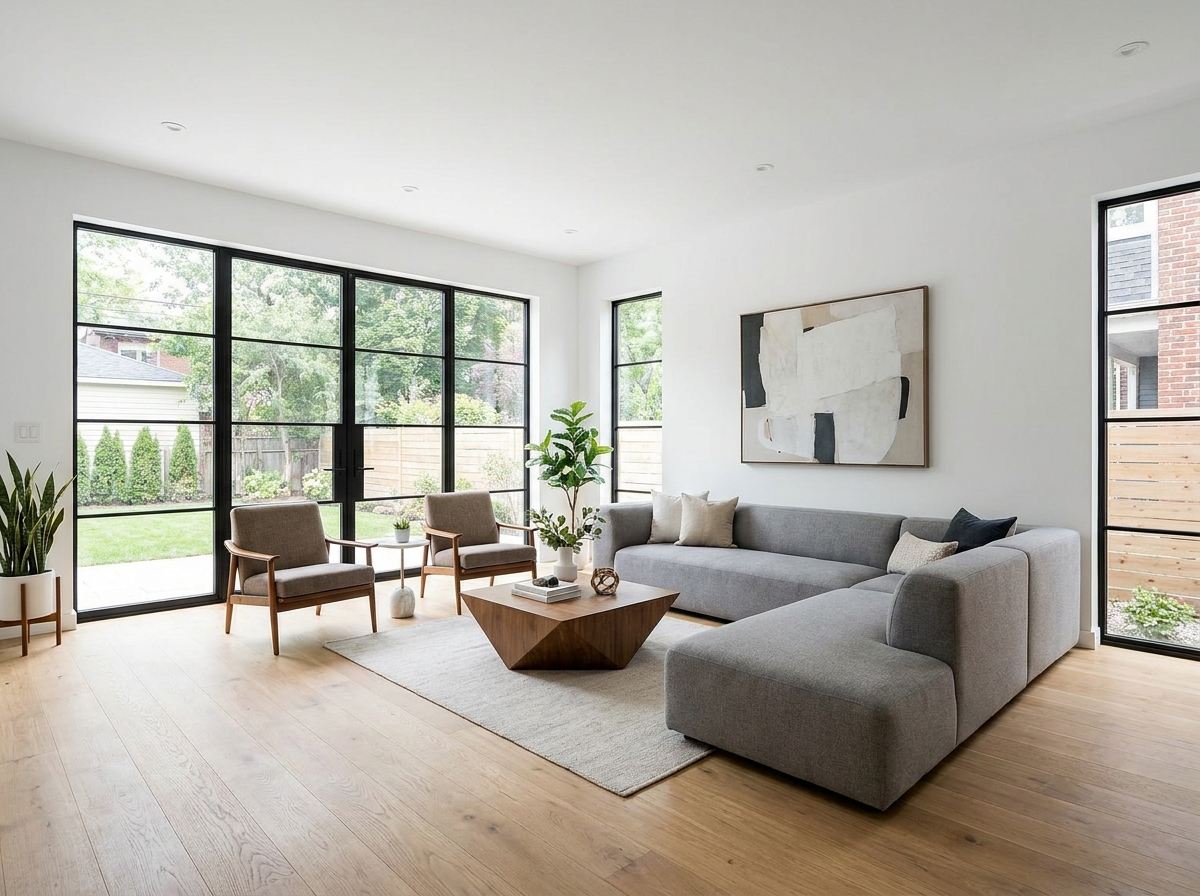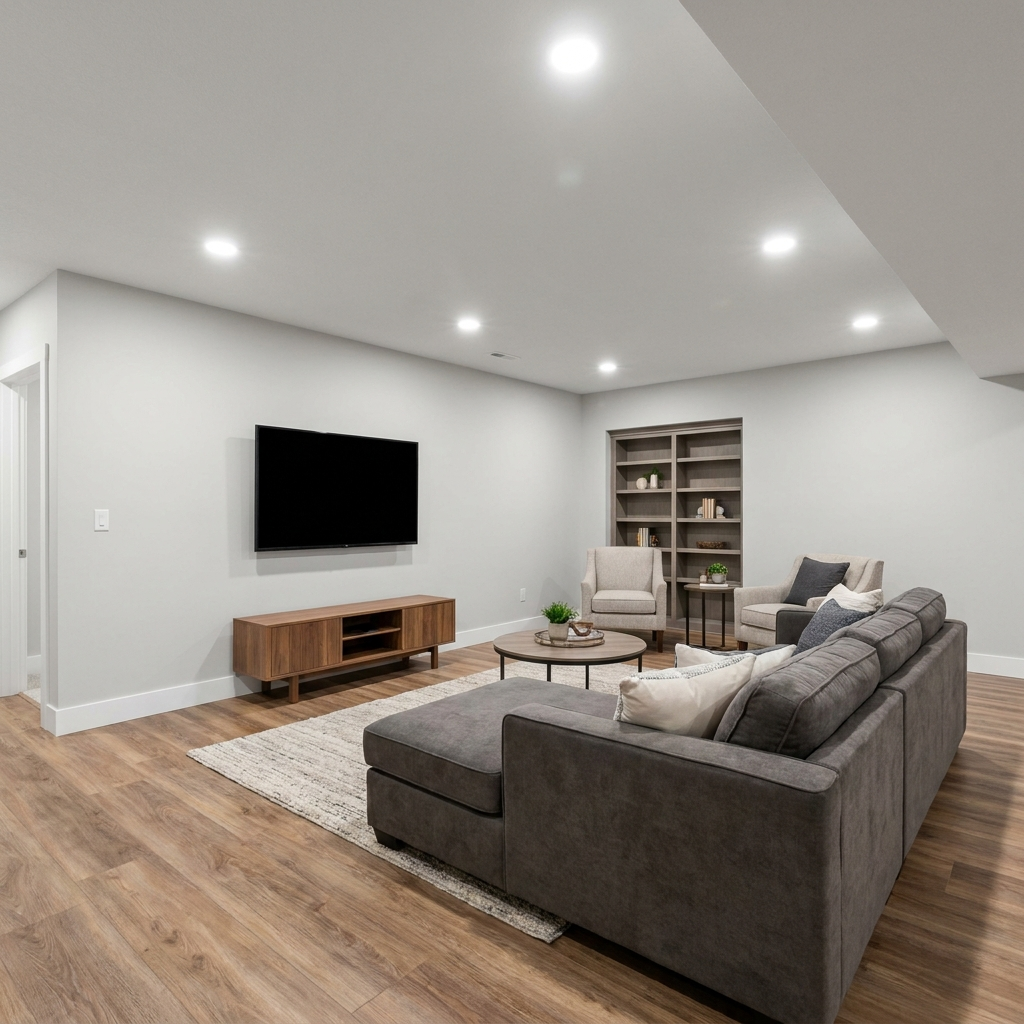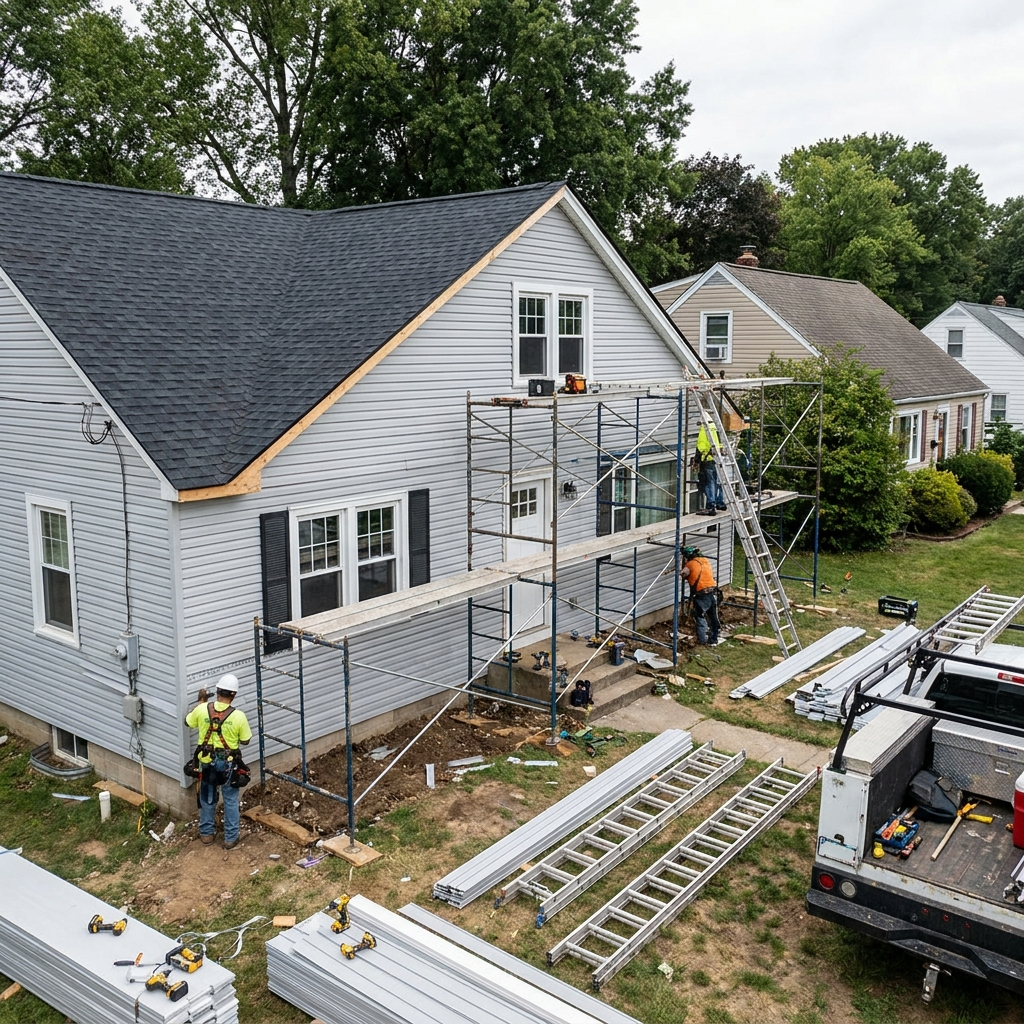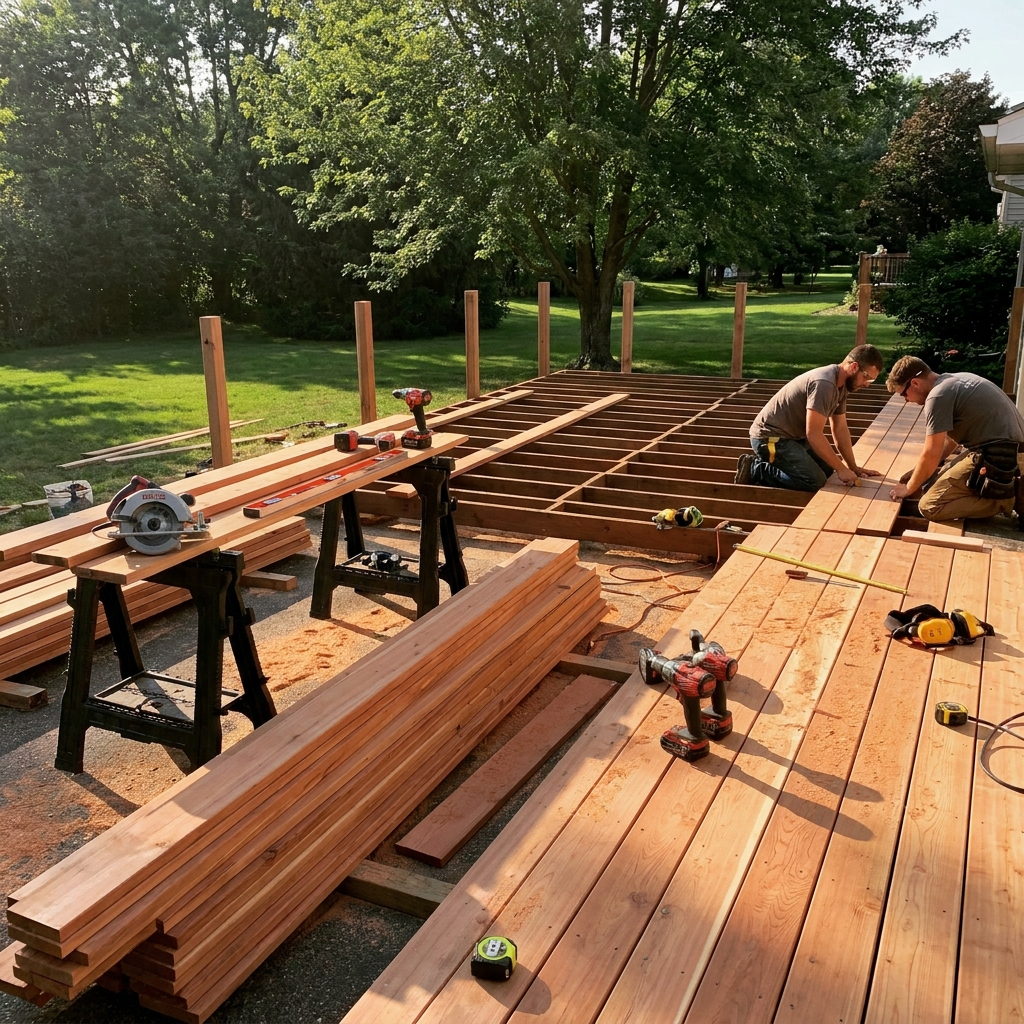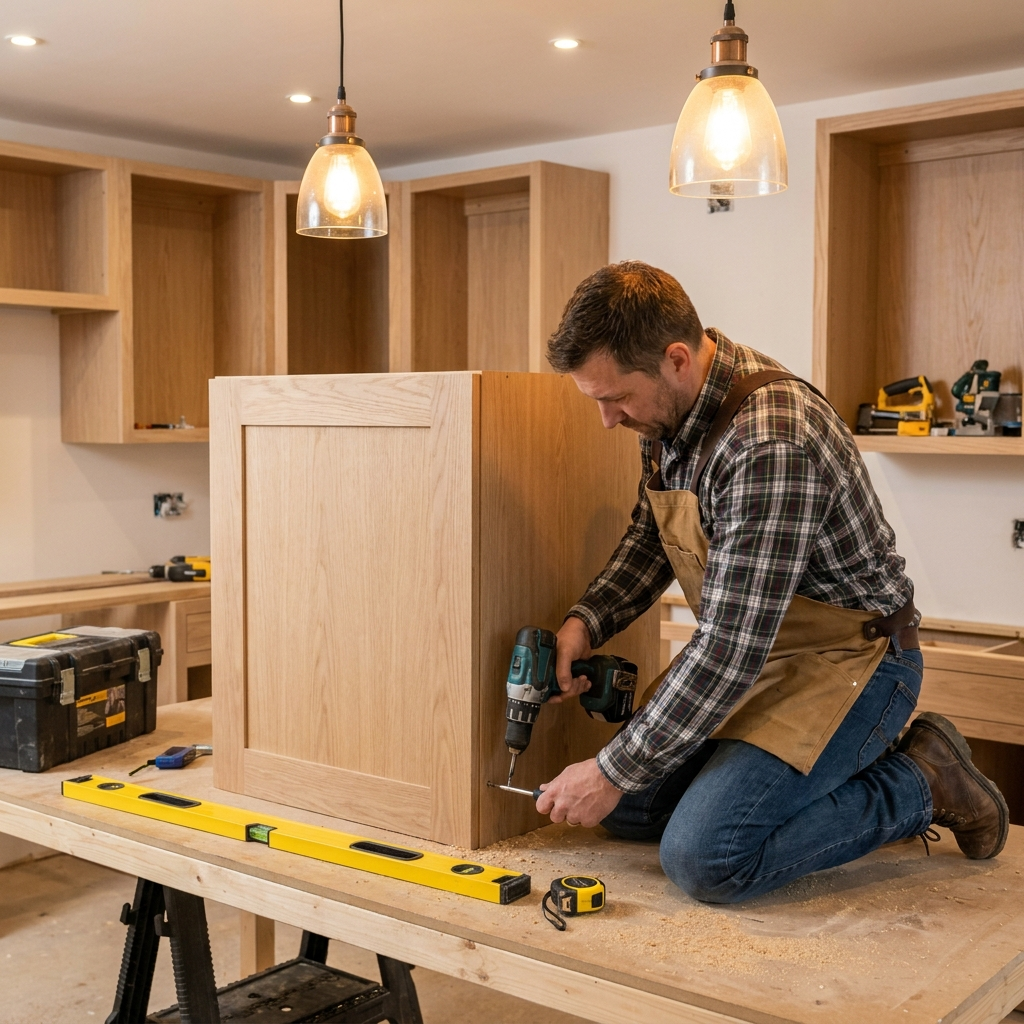
Our Project Gallery

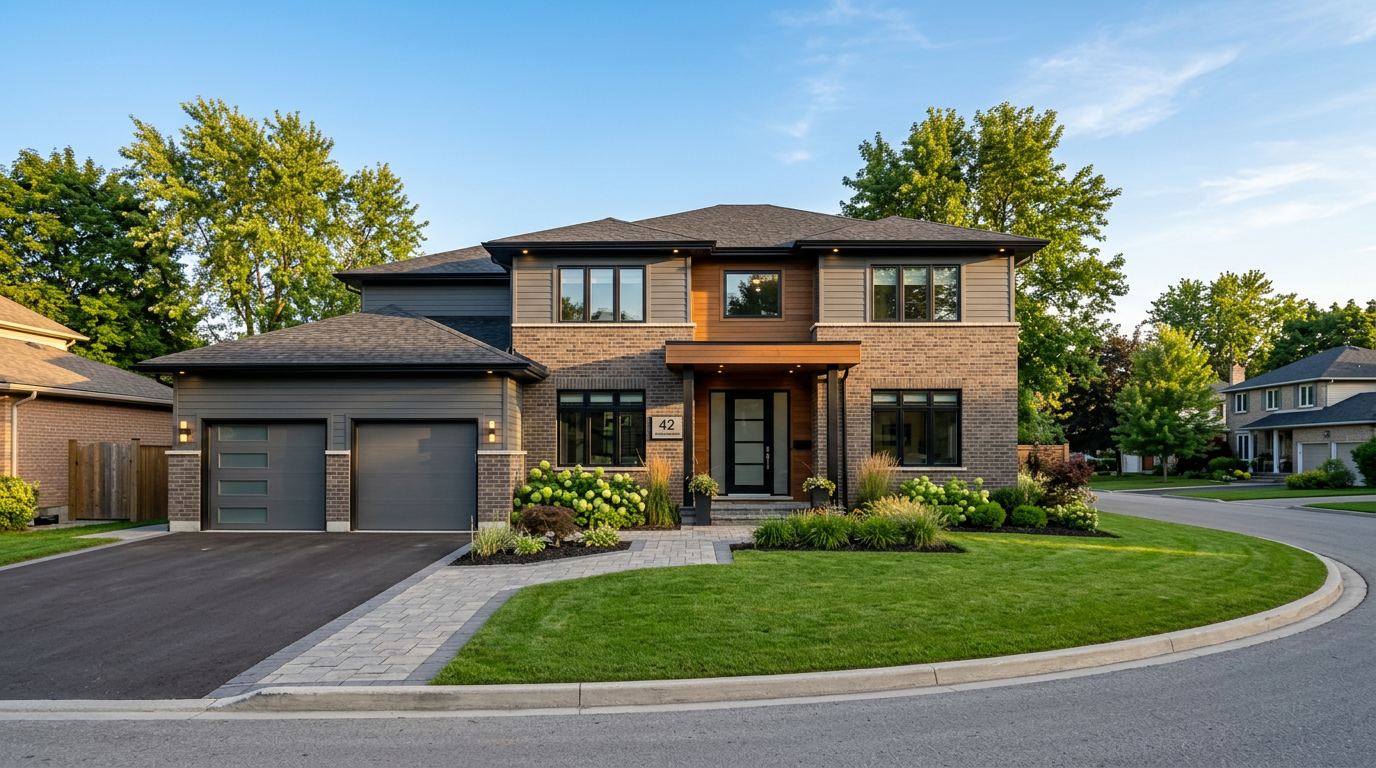
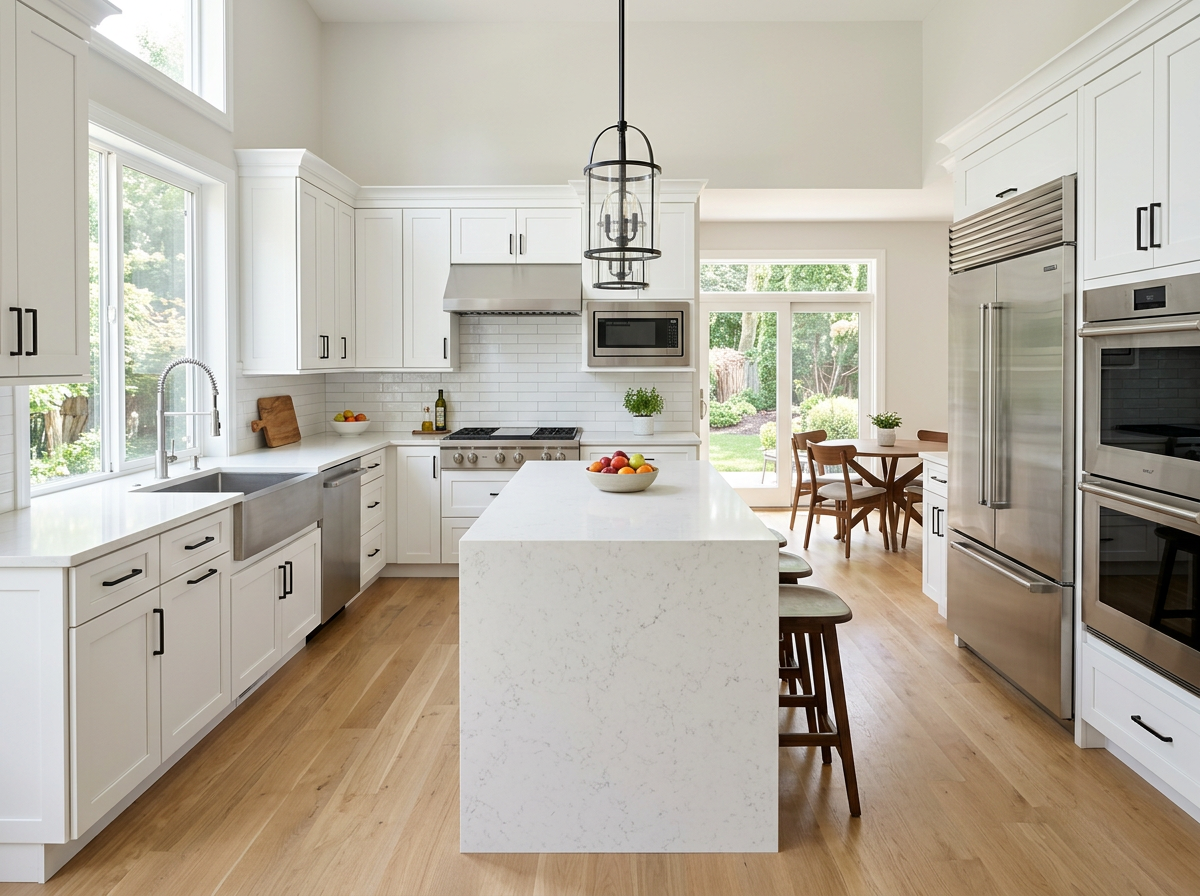
A look at real HPreno renovations and builds across Brampton.

to 3. Paste it just above 4. Change the src="" to your new file path (images/gallery/yourfile.jpg) 5. Change the alt="" text to describe the photo (good for Google/SEO) 6. Change data-cat="" to one of: kitchen, bathroom, flooring, newbuild, exterior, other (controls the filter buttons above) 7. Change the caption text inside to a short project title. To REMOVE a photo: delete its whole block (start to end). To REORDER: cut and paste whole blocks in the order you want. ============================================================ -->

Want more photos added? See the README file for simple, step-by-step instructions.

Like What You See?

Let's plan your project next. Get a free quote today.

WhatsApp Us Call Now
📞 Call Now 💬 WhatsApp